
What does Ecko do?
Ecko replaces traditional, static PDF school newsletters with a modern, web-based experience that parents actually enjoy reading. It’s designed to bridge the gap between school offices and busy parents, ensuring your most important updates don’t get ignored.
Why Ecko’s great for schools
Ecko is built to save time for school administrators and ensure your communications are professional, compliant and easy to distribute.
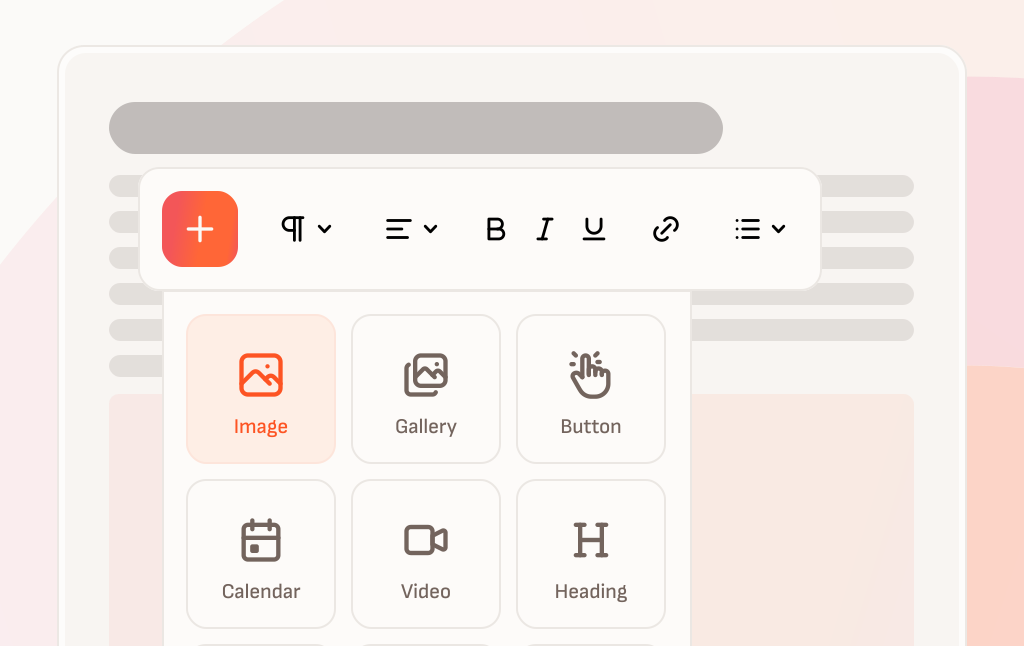
A fast, layout-free editor
No more wrestling with margins in Word or nudging boxes around in Canva just to make everything fit. With Ecko, you don’t build a newsletter by designing a page. You just write it and Ecko takes care of the layout automatically.
You create your newsletter as a set of stories. Each story is a single update like an article in a newspaper: type or paste in the text, add a photo or video if you have one, and move on. There is no template to fight with and nothing to “line up”. Everything stays clean, readable, and consistent automatically.
When you are ready to send the newsletter out, you create an edition and Ecko pulls your stories into it. You can publish the edition as-is, or quickly tweak the running order before you hit publish. The final result is a newsletter that works beautifully on phones, tablets and desktops, without extra formatting work.
Inclusive and accessible, with built-in translation
Your newsletter should be easy to read for every parent and carer, whatever device they are using, whatever their access needs and whatever language they’re most comfortable reading in.
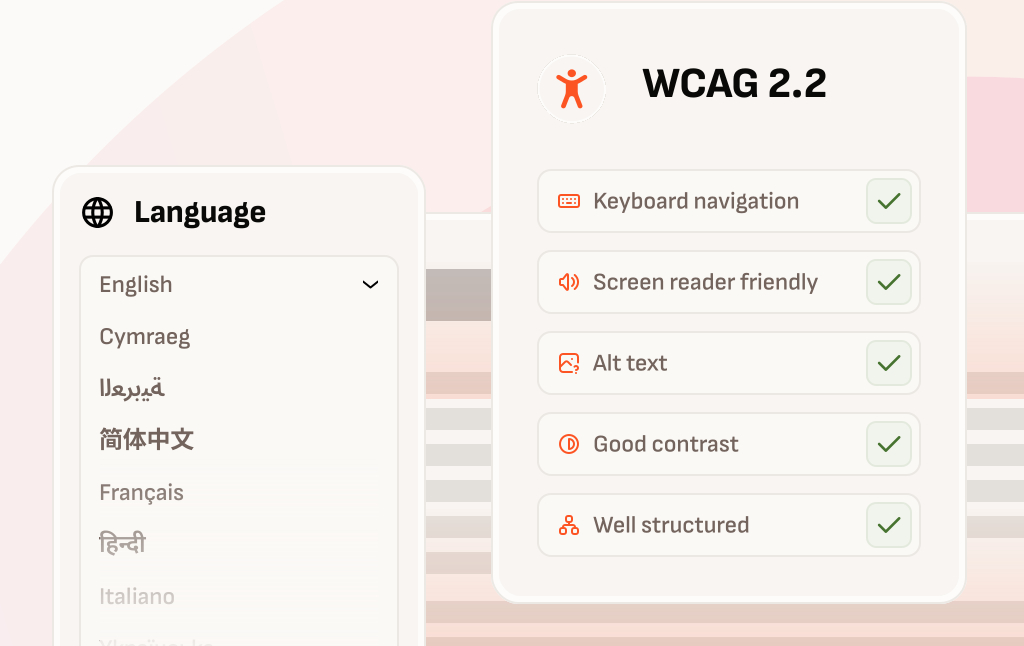
Ecko newsletters are fully accessible and screen reader friendly, designed to meet WCAG 2.2 requirements by default. Because each Edition is published as a properly structured web page, parents can use screen readers, keyboard navigation, zoom and built-in reader tools easily and intuitively.
Automatic translation is built into the reading experience, so families can read your newsletters in over 100 languages without you or your team needing to manually translate anything. Just select which languages you want to include based on your school and community.
Traditional PDF newsletters can be difficult or even impossible to read if they are not authored correctly. They can also be awkward to translate, especially on mobile. With Ecko, newsletters are published as clean, responsive web pages, making them more usable for more families.
Empower parents to stay organised
Parents miss things because they’re busy, not because they don’t care. A newsletter link can easily get buried and then all of a sudden it’s 8:45 on World Book Day and Oscar in Year 4 has realised costumes were a thing,
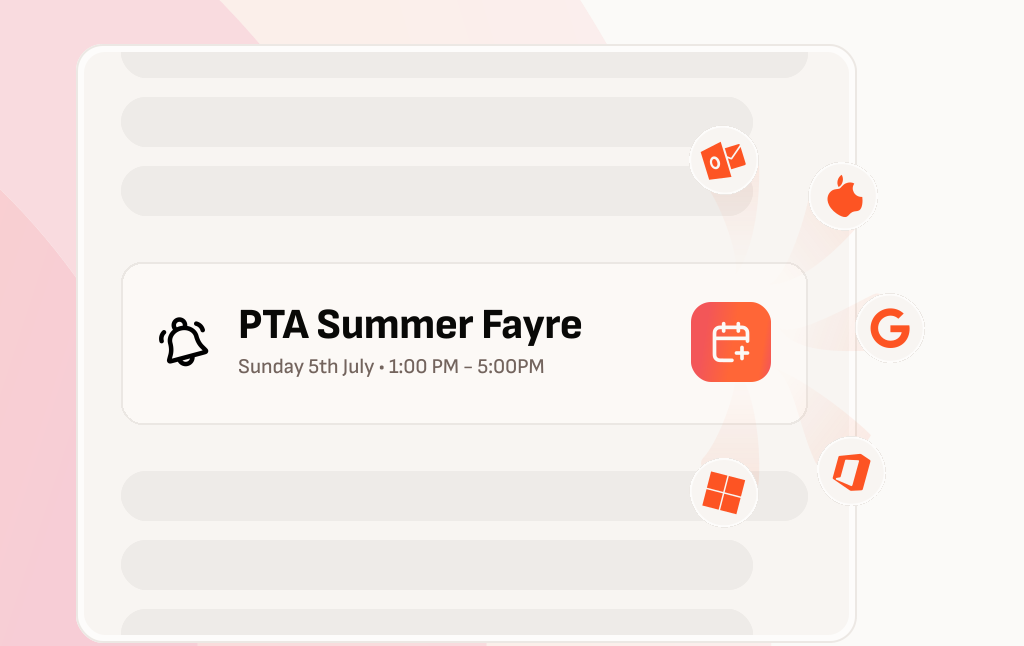
Parents want to be organised and Ecko lets you help them with that. You can add Diary Dates to your stories which appear as a clear banner that stands out, along with an Add to calendar button so parents can save a reminder straight into their own calendar app. If you’ve already got a school calendar, you can sync it with Ecko to add events to your newsletter even faster.
You can also enter your term dates, inset days and closures once and Ecko automatically includes them at the end of every newsletter, along with a Subscribe button so families can have an always-up-to-date feed of school holidays.
Analytics eliminate the guesswork
When you send a newsletter, you’re trying to reach busy families with important information. Analytics eliminate the guesswork and answer the simple question: Did they actually read it?
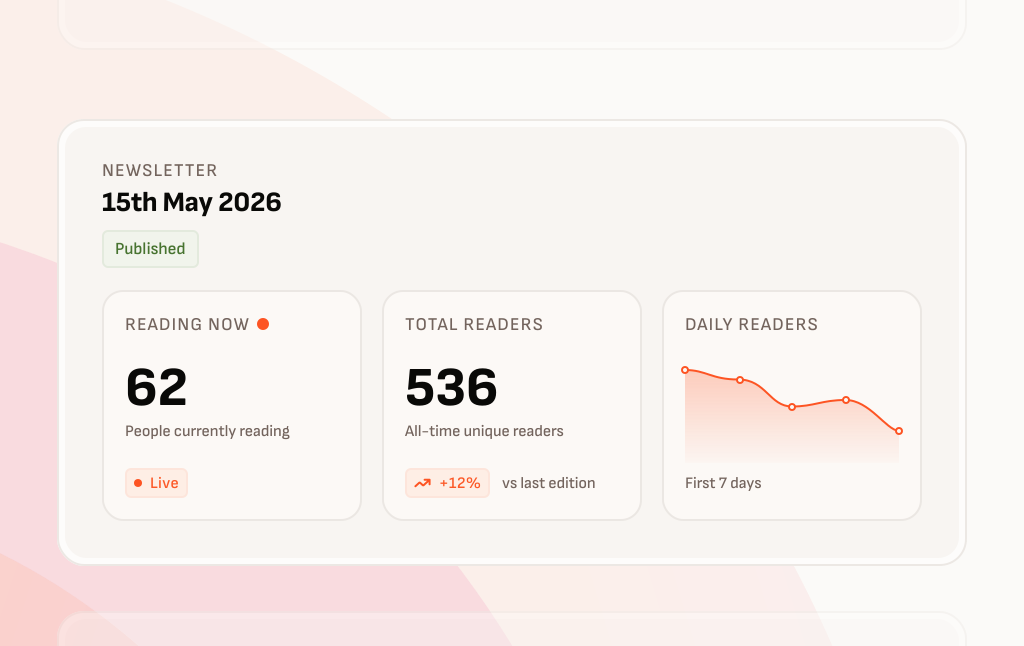
Ecko shows readership stats for every edition right in the dashboard, including live, real-time activity so you can see how many parents are reading at that moment.
If you want to go deeper, Ecko integrates with Google Analytics allowing you to access more detailed reporting like trends over time, which features parents are using and how parents are accessing the newsletter.
Relevant for every family
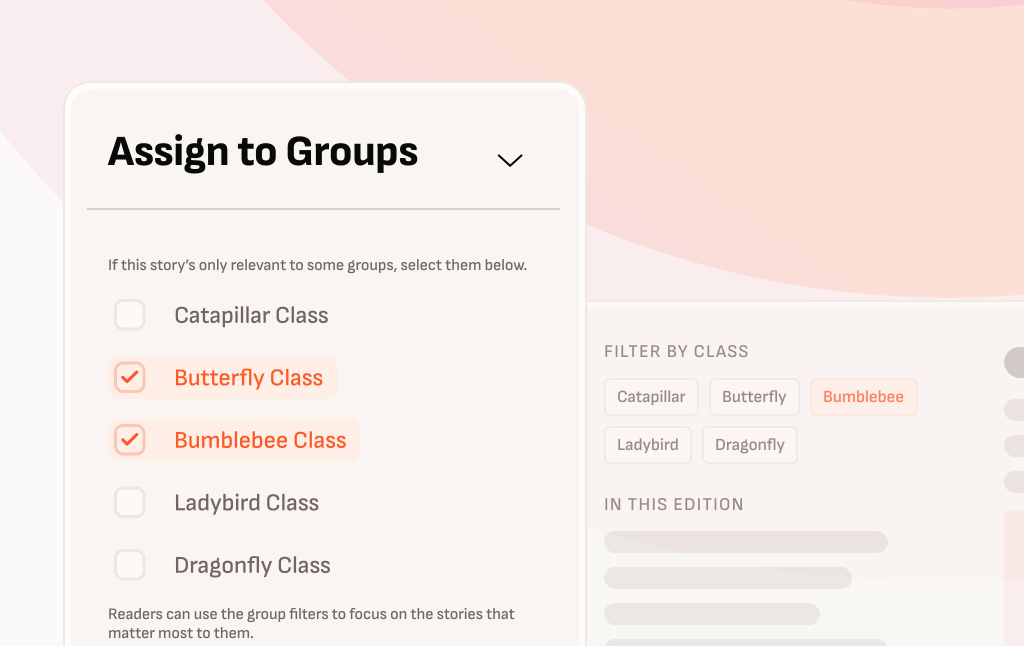
School newsletters have a lot to cover. You’ve got the latest news from across the school including updates from specific classes or year groups as well as reminders about school policies or supplements and fliers from other organisations. The problem is that if everything looks the same, parents quickly learn to skim the whole newsletter and important messages get missed.
Ecko helps keep each edition feeling approachable and personal. Parents can filter the newsletter to their child’s year group or class, so they can find the updates that matter to them.
And for recurring content, Ecko allows readers to dismiss recurring updates once they’ve read them,
The result is a newsletter that feels less like a dump of information and more like something tailored to them that parents actually want to read.
Share it anywhere, any way
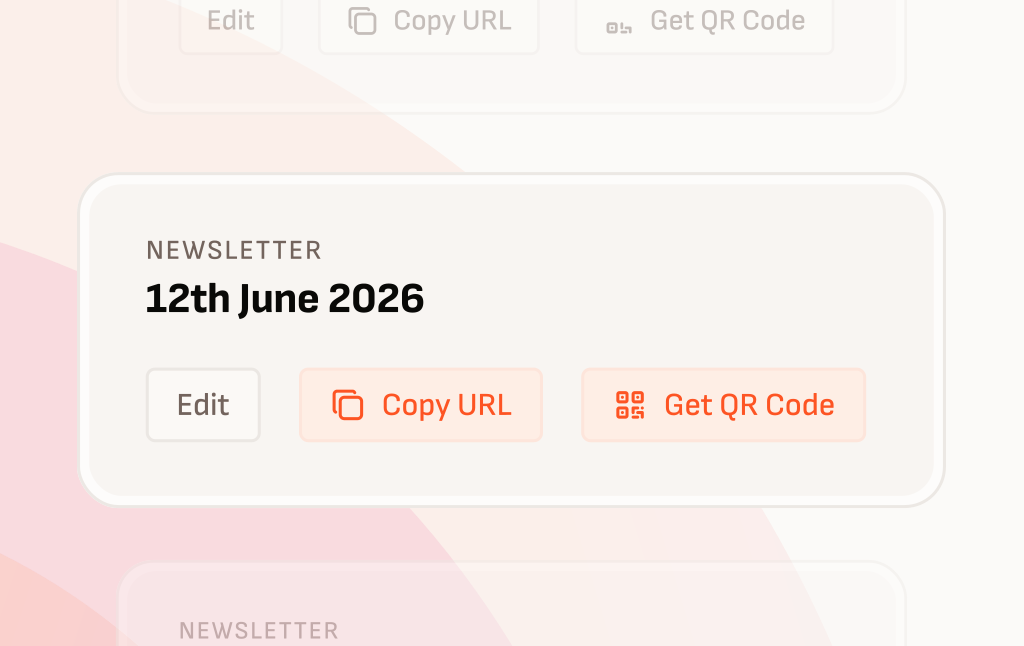
Every newsletter edition you publish in Ecko gets a regular web link. That means you can share it through whatever parent comms your school already uses, whether that’s Famly, Arbor, Bromcom, email, SMS, WhatsApp or anything else.
You can also link to the newsletter from your school website, so parents always know where to find the latest edition.
And for offline visibility, Ecko generates QR codes too. Create a QR code for a specific edition, or use one that always points to the latest newsletter. Print it for reception, noticeboards, posters, or flyers, and give families a quick way in even if they don’t check apps or emails regularly.
Why Ecko’s great for families
Ecko helps you create more relevant and more helpful school newsletters, that parents will actually read.
Relevant to their family
Most school newsletters are written for everyone at once, which often means they do not feel relevant to anyone in particular. Parents end up scrolling past updates that do not apply to them, trying not to miss the one thing that does.
Ecko helps your newsletter feel personal without creating extra work for your team. Parents can filter the newsletter to their child’s class or year group, so they see the updates that matter to their family first, with whole-school messages still included.
And because some reminders need repeating, Ecko keeps recurring notices from becoming noise. If a parent has seen the same item enough times, they can dismiss it so future editions stay easy to scan. You still get the benefit of repeating important messages, while parents get a calmer, more relevant reading experience.
Read it anywhere
Parents read newsletters in the gaps between everything else: on a phone at the school gate, on the sofa after tea, or quickly at work. Ecko is designed for that reality.
Every edition is a simple web page that loads fast and works beautifully on phones, tablets, and desktops. Text stays readable, images scale properly, and nothing relies on pinch-zooming a PDF or wrestling with tiny columns.
There’s no app to install and no account to create. Parents just tap the link and start reading, which removes friction and helps more families actually open the newsletter in the first place.
Keep on top of the dates that matter
Schools share a lot of dates, and the important ones are often the easiest to miss. If it is only in the newsletter, it’s relying on parents to remember to come back and check it again later.
Ecko makes dates actionable. If a parent sees a Diary Date that matters to them, they can add it to their own calendar in a couple of taps and set a reminder if they need it.
Parents can also subscribe to an automatically-updating calendar of your schools term dates, inset days and closures. Just set it once and they never have to painstakingly add every half term break to their calendar again.
Beautiful and easy, for everyone
Your newsletter should be easy to read for every parent and carer, whatever device they are on and whatever their needs are. Ecko is inclusive by design so everything just work: clear text, a clean layout and a reading experience that does not depend on perfect eyesight or motor skills.
Because editions are published as web pages, parents can use the assistive technology they’re used to, be it a screen reader or language translation tool. Images can include alt text too, so key information is not lost.
The result is a newsletter that is simply more usable for more families, with no extra effort from your team.
What parents think of Ecko
“This is such a useful format for the newsletter.”
I love being able to add things to my calendar. Would highly recommend rolling this out to all years. Thank you for thinking about how to make it a more useful news source.
Parent, Ashton Gate Primary School
“A great setup.”
It’s really handy being able to see both my child’s year and the whole school calendar. Subscribing to dates was quick and easy, and now everything is in my calendar.
Parent, Ashton Gate Primary School