If your school is reviewing how it creates newsletters, there are quite a few routes you can take.
Some schools still put them together in Word. Some use Canva templates and export a PDF. Some rely on wider parent comms platforms to send updates home. And some use tools built specifically for digital newsletters.
The right choice depends on what problem you are actually trying to solve.
If your main goal is to create newsletters quickly, make them easier for families to read and avoid the usual weekly faff of formatting a document, the best option is not always the one with the longest feature list. And if families aren’t reading your newsletters, does it really even matter what you used to create them?!
Here’s a look at some of the best-known options.
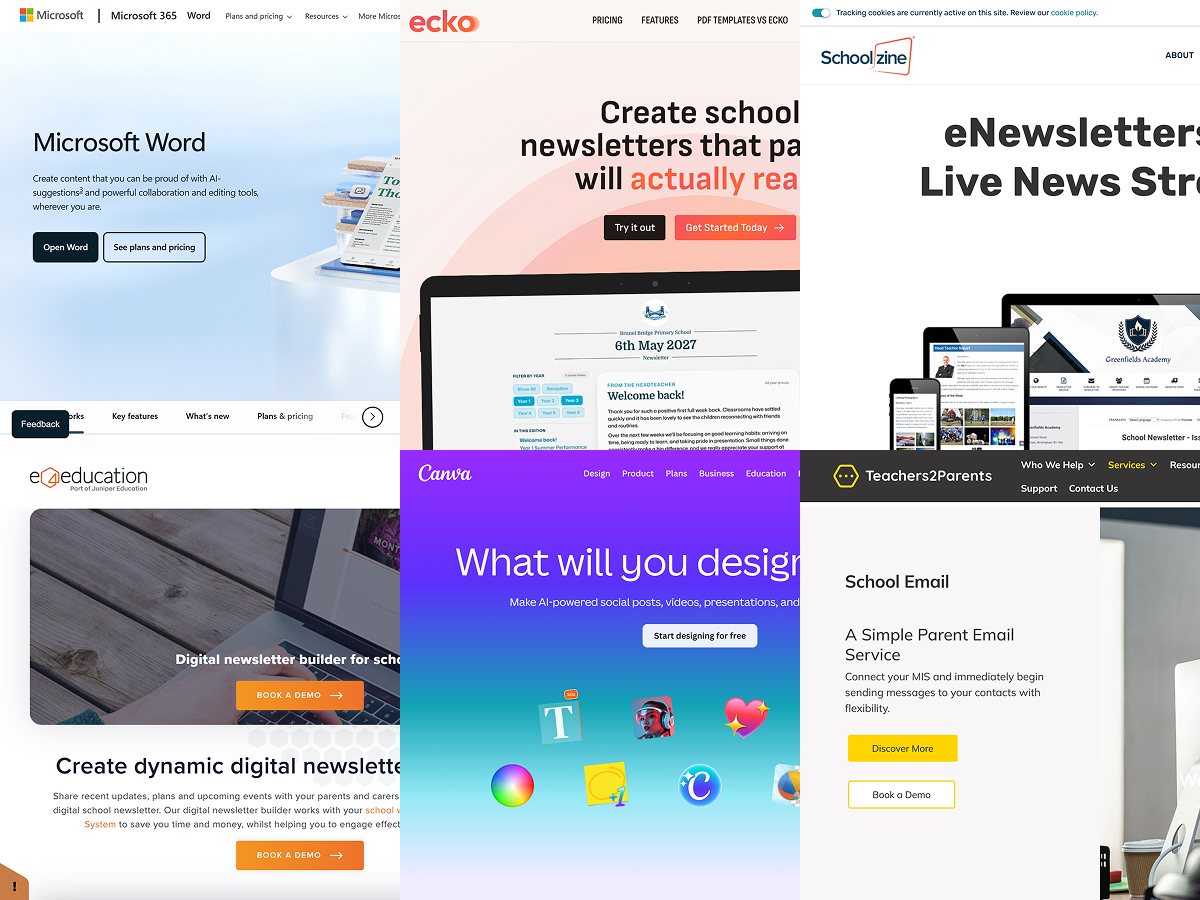
Ecko
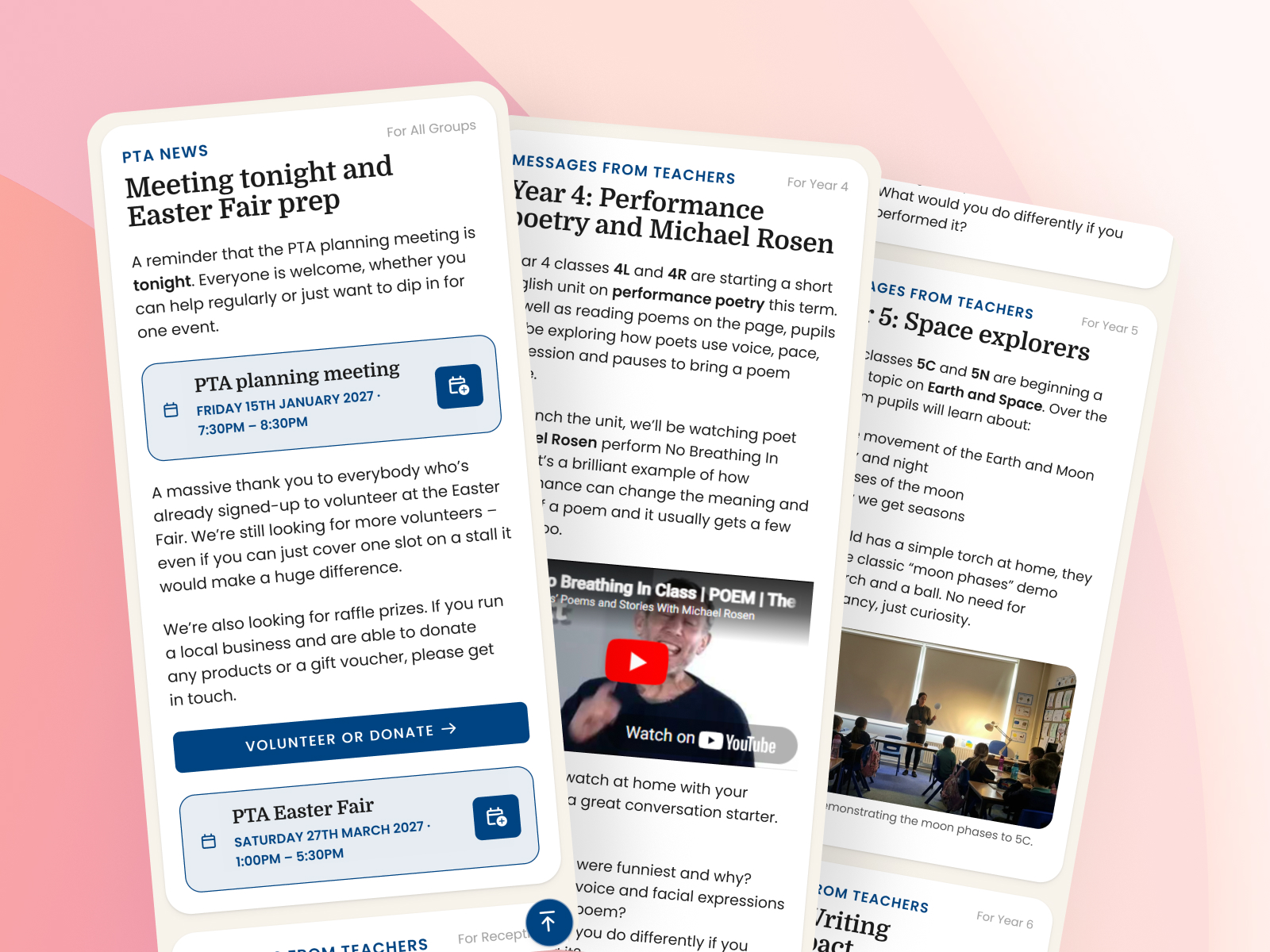
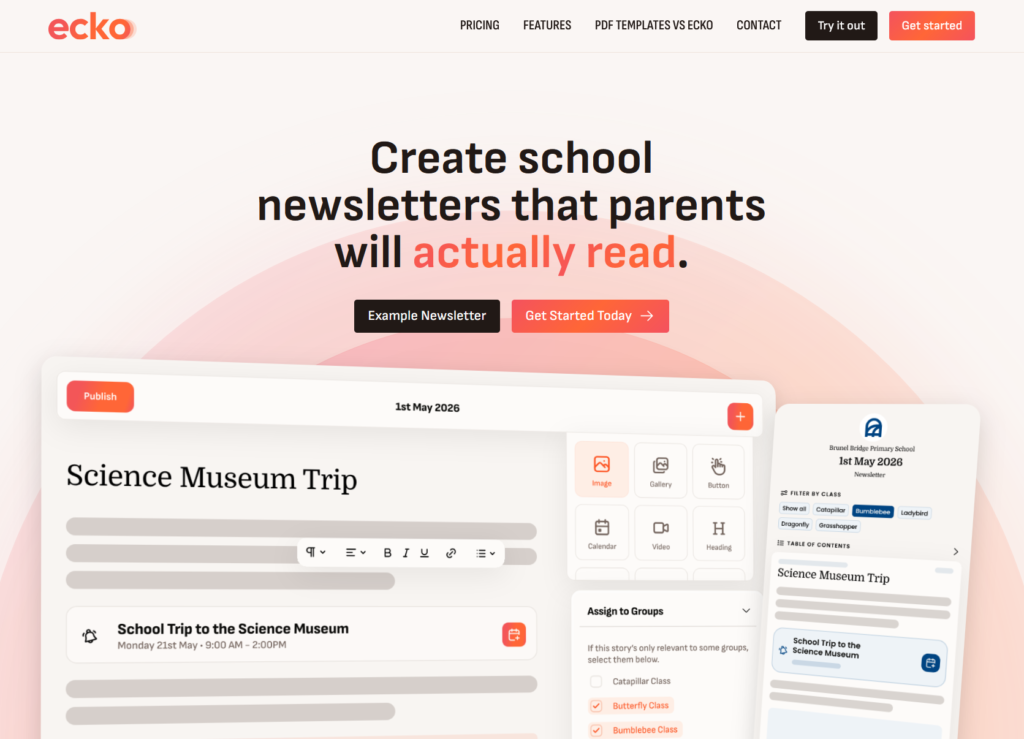
Ecko is built specifically for creating school newsletters. Instead of asking staff to design pages by hand, it uses a layout-free approach where you write stories, pull them into an edition and publish the finished newsletter as a normal web page. The focus is very clear: quicker newsletter creation for staff, and a much better reading experience for families. Ecko also puts a lot of emphasis on mobile reading, accessibility and practical school use, including year or class filters, calendar feeds, event/task reminders and readership statistics. Ecko newsletters are designed to meet WCAG 2.2 requirements, and the whole product is built as a modern alternative to static PDF newsletters.
That focus is one of Ecko’s biggest advantages. It is not trying to become your whole school comms system. It is trying to make one thing much better: the school newsletter. That means less time spent nudging boxes around, less rebuilding the same content every week and a better chance of families actually reading what you send. Ecko does not send newsletters out directly itself, but it does make them easy to share through the channels your school already uses, whether that is Arbor, ParentPay, Famly, email, text message or your school website. You can also generate QR codes for reception areas, noticeboards and printed handouts, which is handy if you want the newsletter to be easy to reach from more than one place.
Pricing: Ecko is £149/year (£129 for the first year). It includes hosting, onboarding, branding, unlimited stories and editions, unlimited image and document uploads, calendar features and support. Multi-school pricing is also available for multi-school Academies, Trusts and Federations.
Canva
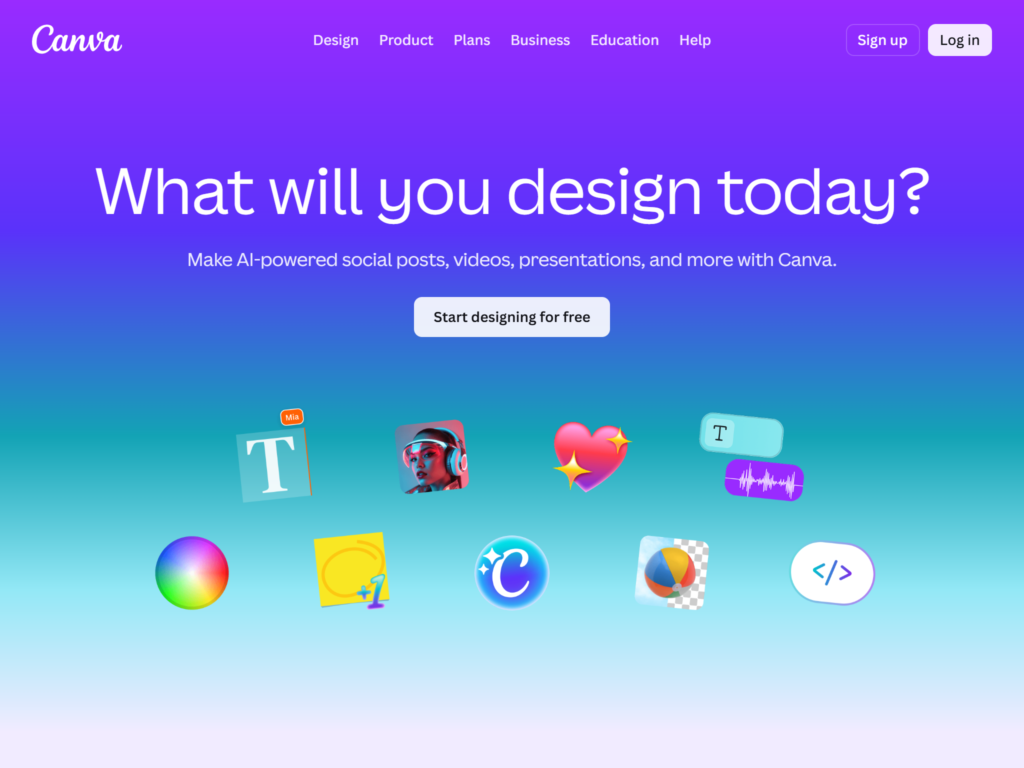
Canva is one of the most common tools schools use when they want a newsletter to look polished without needing traditional design software. Its biggest strength is templates. You can start with one of their nice-looking ready-made designs, drop in images, tweak colours and fonts and produce something that looks smart fairly quickly. For staff who like having visual control over the finished layout, Canva can feel much more approachable than professional design tools.
The catch is that Canva is still mainly a design tool, not a newsletter publishing platform. For many schools, that means designing each issue as a document and then exporting it as a PDF to send out elsewhere. If your priority is visual control, that may suit you perfectly well. If your priority is speed, reuse, accessibility and making the newsletter easier to read on a phone, it is less ideal. Canva can help you make a good-looking newsletter, but it’s worth remembering though that your newsletter is primarily for parents and families to read, not students, so don’t go too heavy on unnecessary decorations that could end up getting in the way of the important stuff.
Pricing: Canva has a free plan and pro plans start at £100/year. Canva for Education is also available free to eligible primary and secondary schools, teachers and pupils.
Microsoft Word
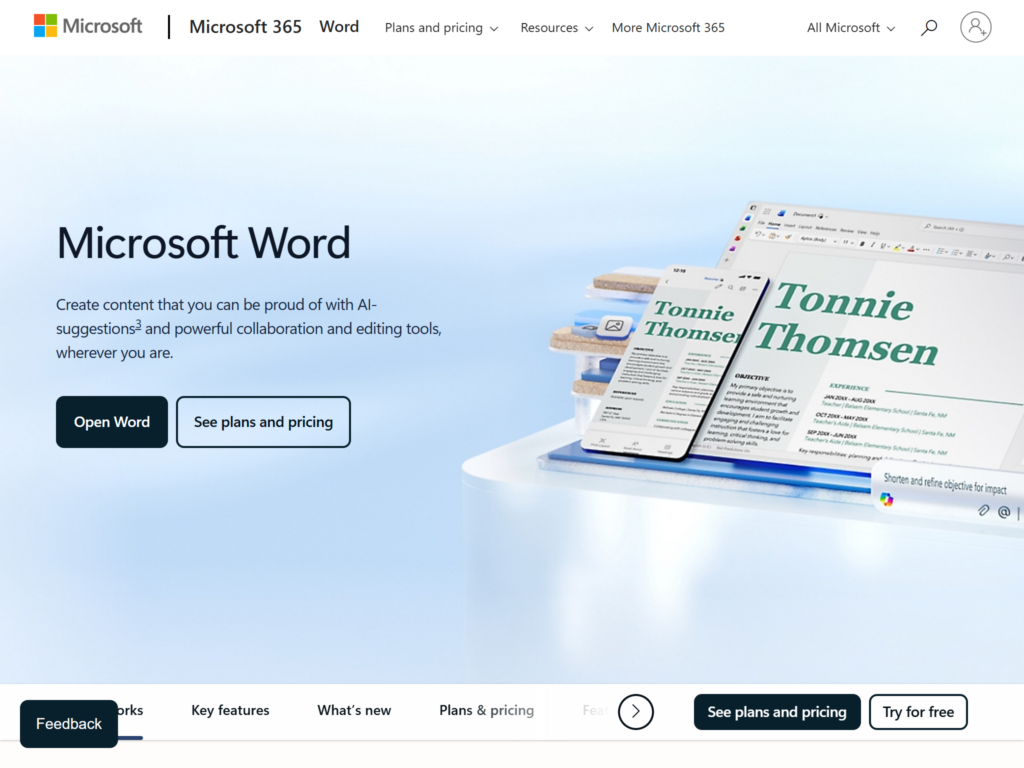
Microsoft Word is still a very common choice for school newsletters, largely because it is familiar. Staff already know how to type into it, format text, add pictures and save or print documents. That familiarity counts for a lot, especially in busy school offices where no one wants to learn a new system just to get the newsletter out.
The drawback is that Word is a document editor, not a newsletter tool. In practice, that often means building a layout manually, juggling images and spacing, then exporting the result as a PDF or attaching the file to another system. It can get the job done, and for some schools that is reason enough to stick with it. But it does not make the weekly process especially quick, and it does not do much to improve the reading experience once the newsletter lands on a parent’s phone. If your school wants a workflow built specifically around newsletters, Word is a bit of a blunt instrument.
Pricing: Office 365 Education A1 is free for eligible schools, educators and students. Microsoft also offers paid education plans such as A3 and A5. Outside education licensing, Microsoft 365 Personal is available as a paid annual subscription.
e4education
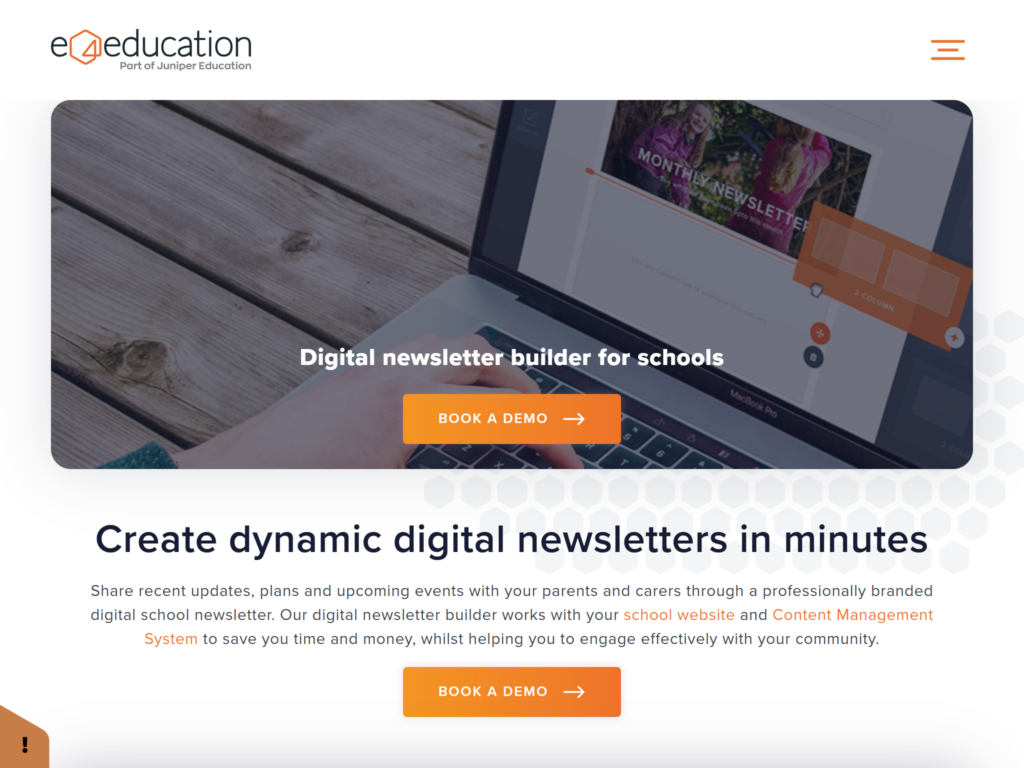
e4education’s digital newsletter builder is a school-specific option rather than a general design tool. According to e4education, it lets schools drag and drop existing website content into a newsletter using the same content management system as its school websites. That is a sensible setup for schools already using e4education for their website, because it means news and events can flow into a newsletter without starting from scratch each time.
Its main selling point is also the thing that narrows its appeal a bit. The product seems most attractive when your school is already using the wider e4education setup. If that is the case, the joined-up approach could be very appealing. If you are simply looking for a better way to create newsletters without changing website provider or making a wider platform decision, it may be more than you need. Compared with Ecko, it feels more tied to website content management, whereas Ecko is more squarely focused on the newsletter itself as a publishing workflow.
Pricing: Pricing is not publicly listed. Schools need to request a demo or quote from e4education.
Schoolzine
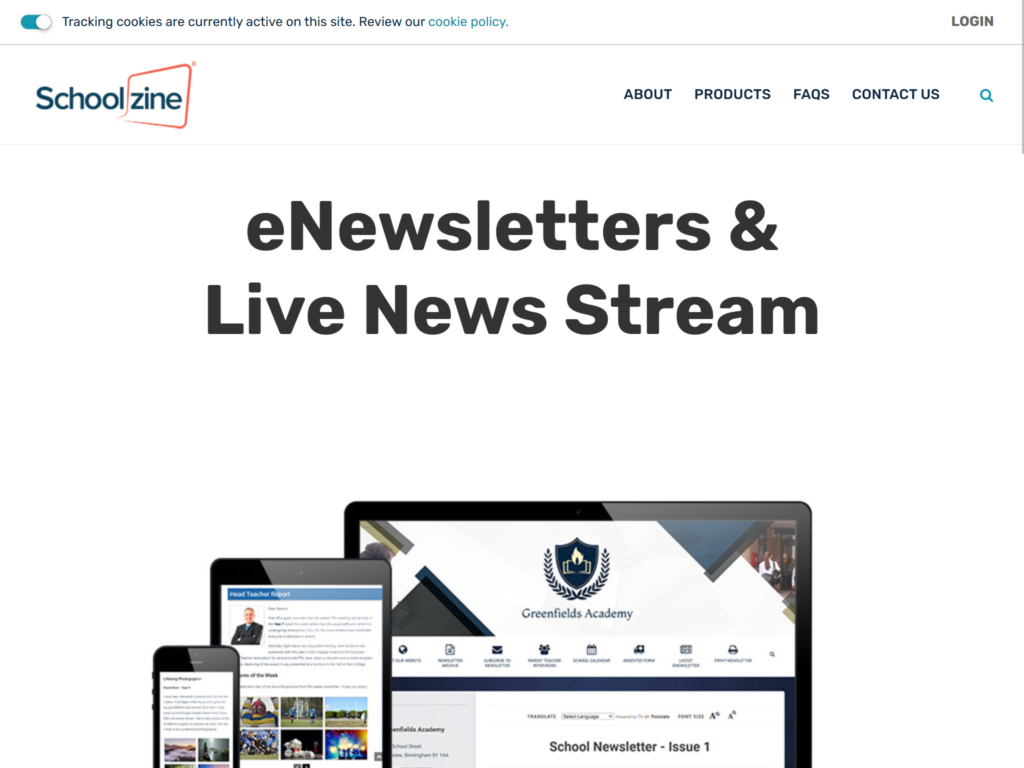
Schoolzine is much closer to a dedicated digital newsletter platform than Word or Canva. Its site describes an eNewsletter builder and live news stream designed to help schools create mobile-friendly newsletters with rich content such as photos and videos, much like Ecko. Schoolzine also offers a wider set of products around parent engagement, including an app, email communication tools and a calendar.
Schoolzine’s major drawback is its price; They don’t publicise the annual subscription’s price on their website (you’ll need to enquire), the set-up fee alone is £299, which is quite a big investment. However, if you want newsletters as part of a larger engagement platform, Schoolzine looks like a serious contender. One helpful detail is that Schoolzine talks a lot about mobile-friendly delivery, which suggests it is paying attention to the fact that families are often reading on phones rather than on a computer.
Pricing: Schoolzine’s pricing is not publicly listed. Aside a from a one-off setup fee of £299, schools need to enquire for package pricing.
Teachers2Parents, ParentPay and Famly
Platforms like Teachers2Parents, ParentPay Schoolcomms and Famly often come up in the same conversation as newsletters, but they are really built around broader parent communication rather than newsletter creation itself. Teachers2Parents focuses on tools like SMS, email, forms, payments, parents’ evening booking and a parent app. Schoolcomms is built around messaging, parent engagement and a wider set of school admin tools. Famly is different again, as it is aimed mainly at nurseries and early years settings, with features such as messaging, newsfeed updates and day-to-day communication with families.
That means they can all play a useful role in getting information out to parents, but they are not really designed around the specific job of creating a polished, easy-to-browse, mobile-friendly newsletter edition. If your school or setting wants a full parent comms platform, one of these may be a very good fit. But if the main problem is that your newsletter takes too long to make, is fiddly to format or is not very pleasant to read once it reaches families, they are solving a slightly different problem. In many cases, a sensible setup is to create the newsletter in a dedicated tool, then share the link through whatever parent comms platform you already use.
Your MIS system
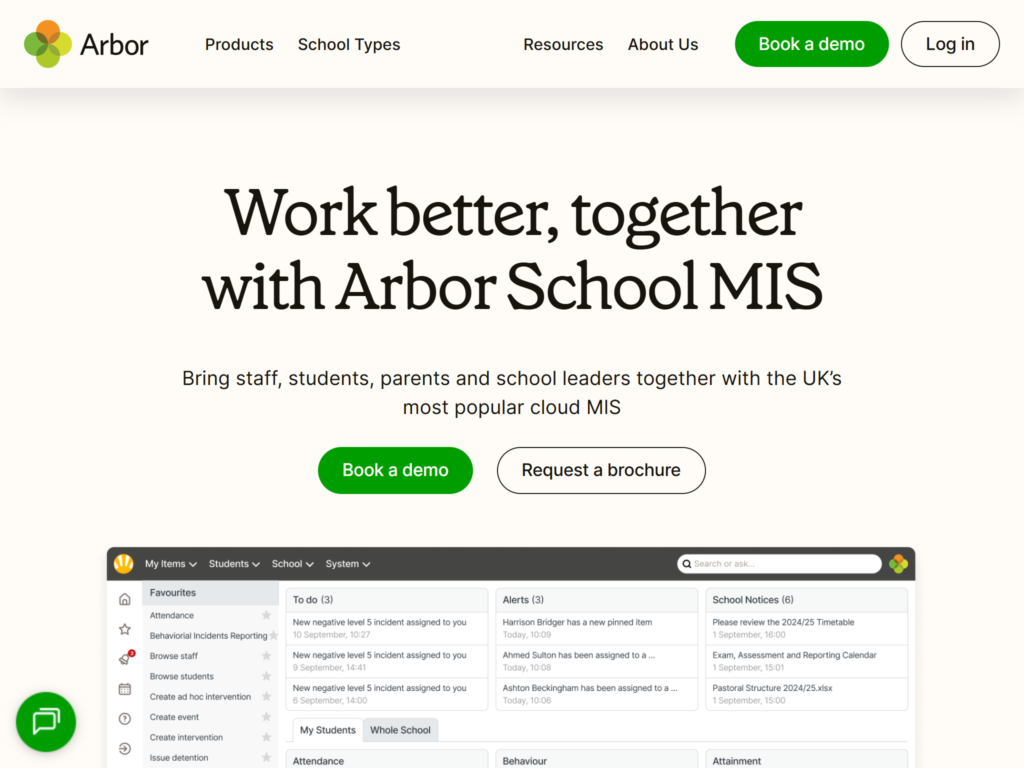
It is also worth mentioning your school’s MIS. Systems like Arbor, SIMS and Bromcom all include ways to communicate with parents, whether that is by email, text message, letters, app messages or parent portals.
For some schools, that can make it tempting to use the MIS itself for newsletter-style communication. There is nothing wrong with that in principle, and for short updates it may be perfectly adequate. But these systems are mainly designed around school data, administration and one-to-one or one-to-many communication. They are not usually built around the idea of creating a polished, easy-to-browse, mobile-friendly newsletter that families might actually want to sit and read.
That is where a dedicated newsletter tool still has a clear role. You can create the newsletter in Ecko, publish it as a proper web page and then share the link through your MIS, parent app, text system, email platform or whatever other channels your school already uses. In other words, it does not have to be either/or. A lot of schools will find the best setup is to use their existing comms systems for delivery, and a newsletter-specific tool for creating something worth delivering in the first place.
Which option is best?
If your school wants software specifically for creating newsletters easily, Ecko stands out because it is focused on the two things that matter most: making newsletters easier to produce and making them more worth reading. It is built for schools that don’t want to wrestle with Word documents, fiddly Canva layouts and static PDFs that are awkward on a phone. It also takes accessibility seriously, which matters for schools that want a newsletter format that works better for everyone.
If you want creative control over every detail of the layout, Canva may suit you well. If you want the familiar fallback that many staff already know, Word still does the job. If you want newsletters as part of a wider website or engagement setup, e4education and Schoolzine are both worth a look. And if what you really need is a broader parent communications platform for messages, payments, apps and admin workflows, Teachers2Parents, ParentPay, Famly or your MIS may be a better fit for that particular job.
The key is to be clear about the problem you are trying to solve.
If the problem is that your school newsletter takes too long to make, is awkward to read and is not getting properly read by families, then a tool built specifically for newsletters will usually make more sense than a general document editor or a wider comms platform. That’s why we made Ecko.